BEDROCK FANTASY • ADD-ON
Minecraft Twisted Lands Mod
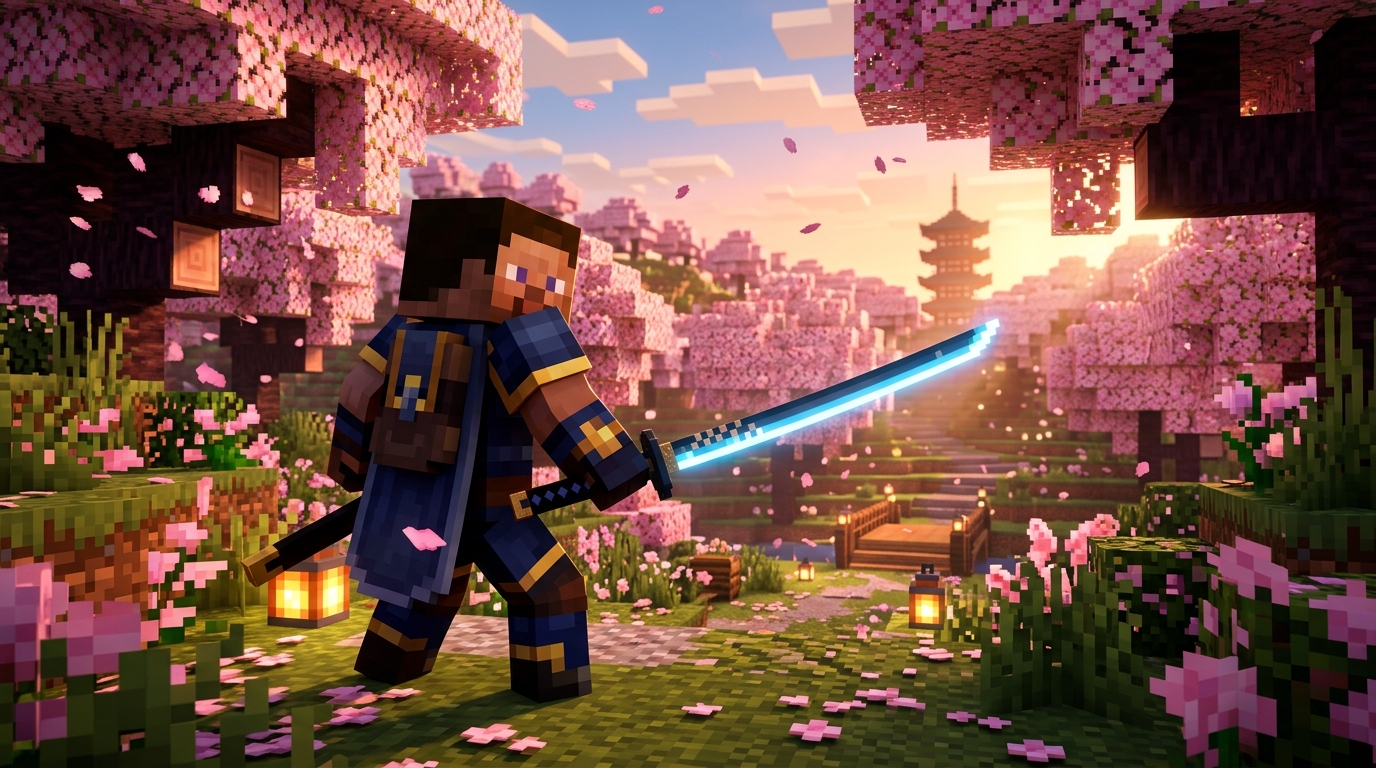
Twisted Lands mod for Minecraft PE: download links, bosses, equipment, and installation steps for Bedrock. See how it compares to True Weapons.

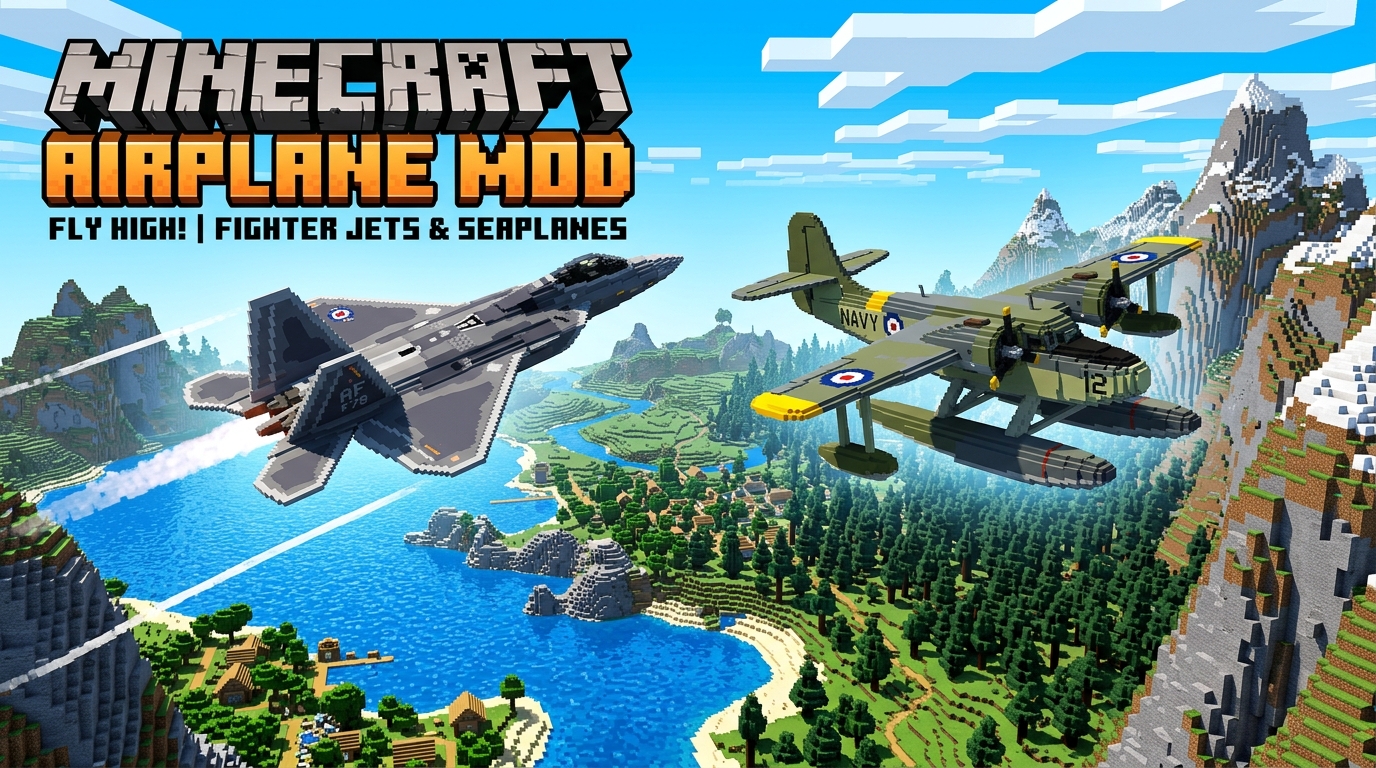
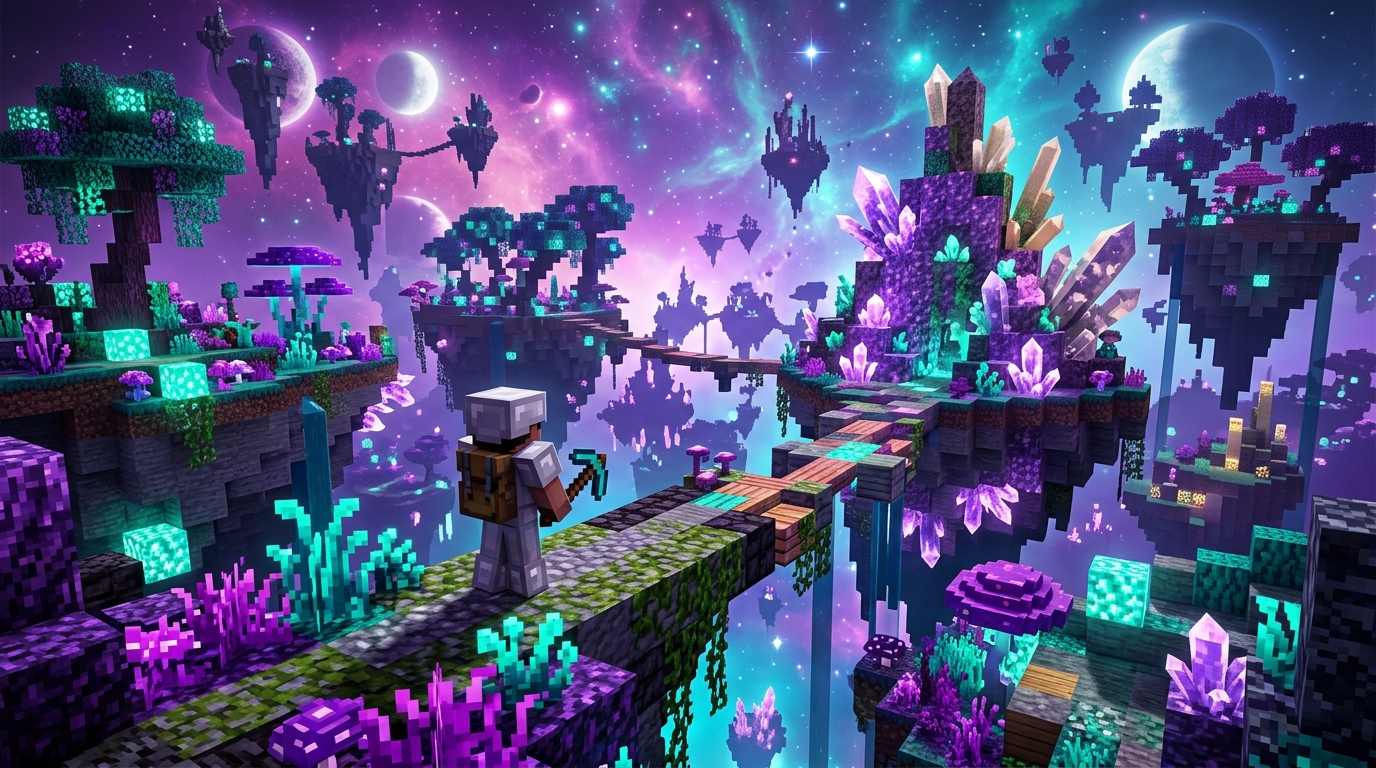
Transform your Minecraft experience with custom mods, behavior packs, and resource add-ons. From high-speed crossover mods like the Minecraft Sonic Mod to gameplay overhauls, custom vehicles, and new biomes, explore our curated collection of Bedrock and Java Edition mods.
All featured mods include complete installation guides, compatibility details, and direct step-by-step instructions for Android, iOS, and PC.
Installing mods on Bedrock Edition (Android, iOS, Windows) is straightforward:
Download the official mod file onto your phone, tablet, or PC.
Tap or double-click the file. Minecraft will launch automatically and import the pack.
Go to your World Settings > Behavior Packs & Resource Packs, and activate both packs before entering the world.