
How to Switch from Survival to Creative Mode in Minecraft
You switch from survival to creative in Minecraft by enabling cheats on your world, then either typing in chat or, on Java Edition, holding F3 and pressing F4 to cycle through modes without typing anything. Bedrock Edition, Pocket Edition, and console versions skip the F3 shortcut entirely and use a dropdown in the pause menu instead, once cheats are turned on. None of this works on a world where cheats were never enabled and never will be, since Minecraft locks the setting behind that toggle on purpose.
Achievements stop unlocking the moment you enable cheats, and that's permanent for that specific world even if you turn cheats back off later. Keep that in mind before flipping the switch on a save you actually care about progressing.
📋 Table of Contents
- Ultimate guide on switching from survival to creative in Minecraft
- Switching in Java Edition
- Switching in Bedrock Edition
- Switching in Pocket Edition & Education Edition
- Xbox/PS/Nintendo
- Comparison: switching gamemode by edition
- How to change creative to survival on Minecraft PC
- How to change survival to creative in Minecraft shortcut key
- How to switch to creative mode in Minecraft Java
- How to switch to creative mode in Minecraft Java multiplayer
- How to change creative to survival on Minecraft command
- How to switch from survival to creative mode in Minecraft with command
- How to change Creative to Survival on Minecraft PC without command
- How to switch from survival to creative mode in Minecraft Bedrock
- Conclusion
- FAQs
Ultimate guide on switching from survival to creative in Minecraft
Every method below needs one thing first: cheats turned on for that world. Where you turn that on, and what you do next, is the part that differs by edition.
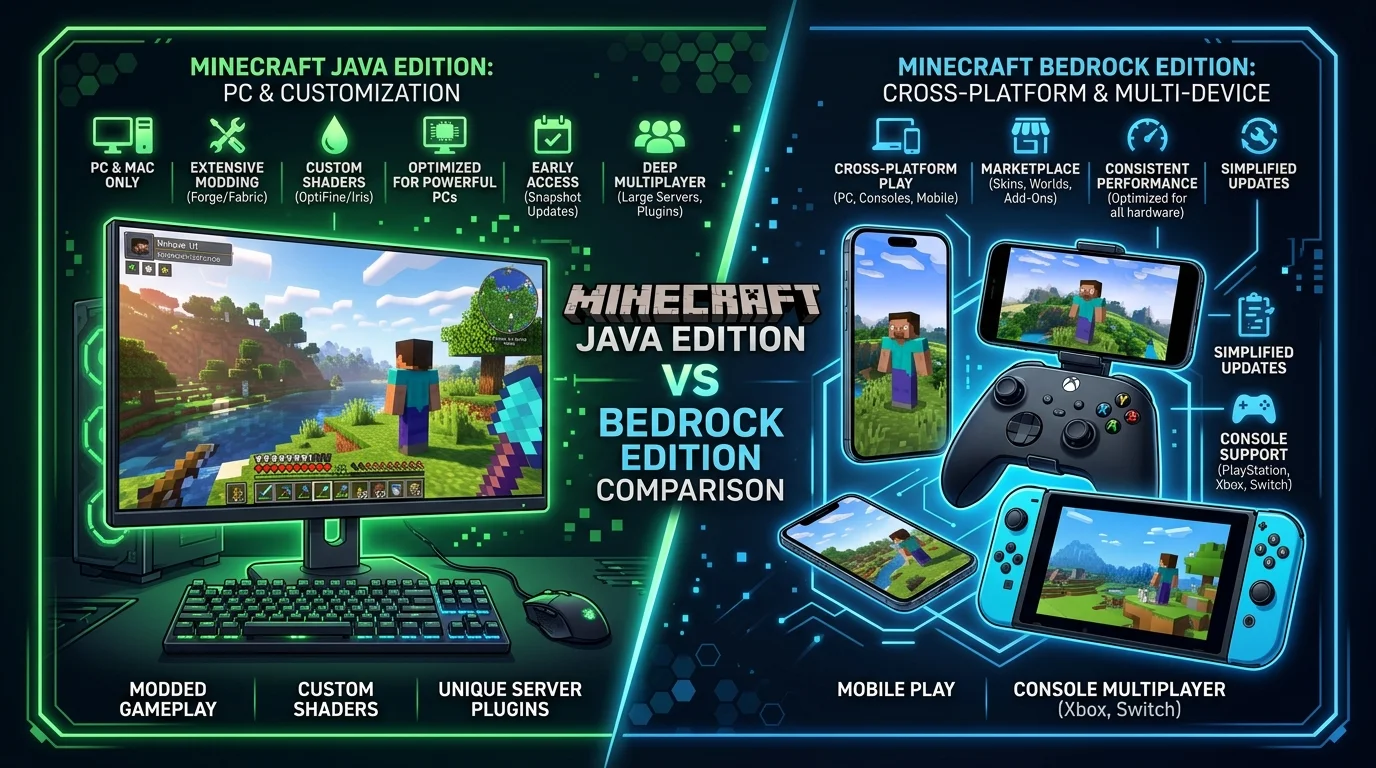
Switching in Java Edition
Java gives you 2 ways in: a keyboard shortcut with no typing, or the gamemode command. Both need cheats enabled first.
For a new world, check "Allow Cheats" on the world creation screen before you click Create New World. For a world you already started without cheats on, open the pause menu, select Open to LAN, toggle "Allow Cheats" to on, and click Start LAN World. That flips cheats on for the current session without needing to make a fresh world.
Once cheats are active, hold F3 and press F4. A small selector appears showing Survival, Creative, Adventure, and Spectator. Keep holding F3 and tap F4 again to cycle through them, then let go of F3 once your target mode is highlighted. That's it, no command typed.
If you'd rather use the command, open chat with T (or / on some layouts) and type:
/gamemode creative
Survival, adventure, and spectator work the same way, just swap the word. Java also accepts short forms: c for creative, s for survival, a for adventure. F3+N is a separate shortcut worth knowing too, it cycles specifically between spectator and whatever mode you were in before, which is faster than F3+F4 if that's the only swap you're making.
Switching in Bedrock Edition
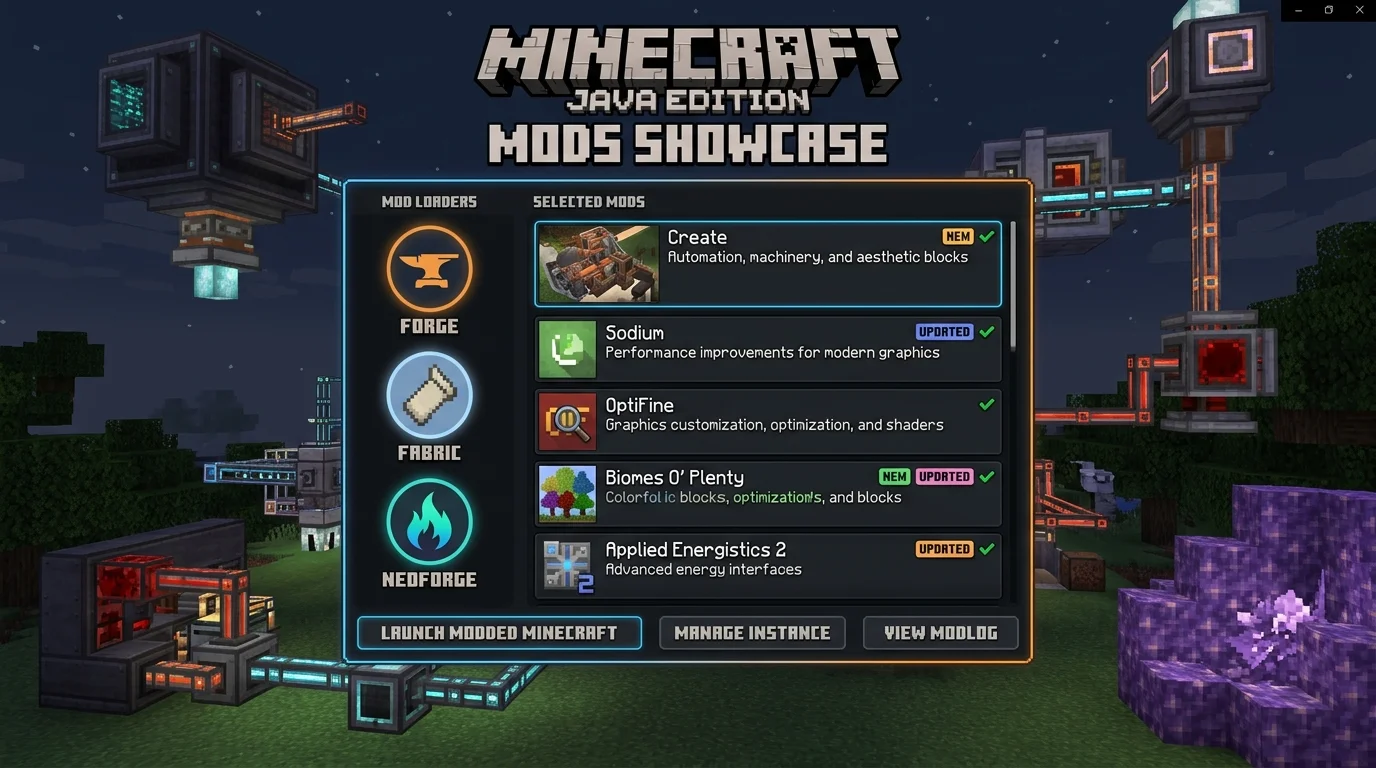
Bedrock doesn't run the F3 debug screen at all, so there's no keyboard shortcut equivalent to Java's F3+F4. Instead, once cheats are on, you get a dropdown menu that does the same job without typing.
- Open your world settings and go to the Game tab.
- Toggle "Allow Cheats" on. This works on an existing world too, not just at creation.
- Pause the game and open Settings again.
- Find "Personal Game Mode" in the Game section.
- Pick Survival, Creative, Adventure, or Spectator from the dropdown.
If you'd rather use a command, open chat and type the same syntax Java uses. Bedrock also accepts numeric shortcuts: 0 for survival, 1 for creative, 2 for adventure.
Switching in Pocket Edition & Education Edition
Pocket Edition runs on the same Bedrock codebase as Windows, Xbox, and PlayStation versions of the game, so the dropdown method above applies the same way: enable cheats in world settings, then pick your mode from Personal Game Mode in the pause menu. The gamemode command works too, typed into chat the same way.
Minecraft Education is built on Bedrock as well, but it's aimed at classroom use, and gamemode switching there usually happens through a teacher's Classroom Mode settings rather than a student flipping cheats on their own account. If you're a student trying to switch modes and nothing above works, check with whoever's hosting the lesson.
Xbox/PS/Nintendo
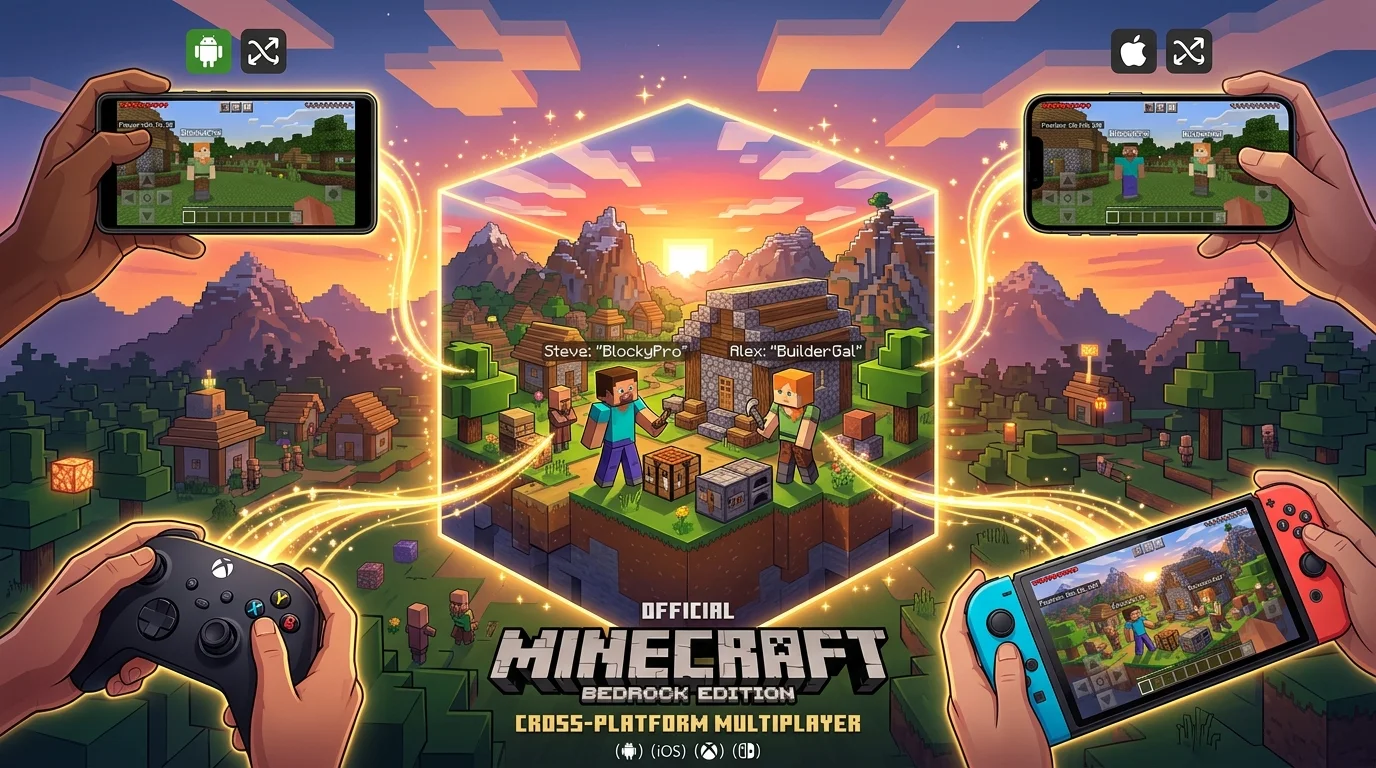
Console versions run the same Bedrock engine, so the same 2 methods apply: enable Allow Cheats in world settings, then either use the Personal Game Mode dropdown in the pause menu or type the gamemode command through the on-screen chat keyboard. A connected physical keyboard makes typing commands faster if your console supports one, but it's not required, since the dropdown method needs no typing at all.
Comparison: switching gamemode by edition
| Edition | No-typing method | Command | Cheats setting location |
|---|---|---|---|
| Java | F3 + F4 (hold F3, press F4) | /gamemode creative | World creation, or Open to LAN for an existing world |
| Bedrock | Personal Game Mode dropdown | /gamemode creative | World settings, Game tab, works on existing worlds |
| Pocket Edition | Personal Game Mode dropdown | /gamemode creative | Same as Bedrock |
| Xbox/PS/Nintendo | Personal Game Mode dropdown | /gamemode creative | Same as Bedrock |
How to change creative to survival on Minecraft PC
Same process in reverse, and the edition matters more than the direction. On Java, hold F3 and press F4 until Survival is highlighted, or type /gamemode survival. On Bedrock for PC (the Windows version through the Microsoft Store), skip F3 entirely and use the Personal Game Mode dropdown from the pause menu instead, since Bedrock doesn't run the Java debug screen.
How to change survival to creative in Minecraft shortcut key
F3 + F4 is the shortcut, and it's Java-only. Hold F3 down, tap F4 to cycle to Creative, then release F3 to apply it. This needs cheats enabled first, either from world creation or through Open to LAN on an existing world, and it needs operator-level permission if you're doing this on someone else's server rather than your own singleplayer world.
How to switch to creative mode in Minecraft Java
Enable cheats, then use either F3+F4 or gamemode creative in chat. Both do the same thing, F3+F4 is faster if your hands are already on the keyboard, and the command is more reliable if you want to switch a specific player's mode instead of your own, using target selectors like gamemode creative PlayerName.
How to switch to creative mode in Minecraft Java multiplayer
You need operator (op) permission on the server, not just cheats enabled locally, since gamemode switching in multiplayer is gated by permission level rather than a personal setting. If you own the server or Realm, you likely have op by default. If you're playing on someone else's server, ask the owner to either run gamemode creative YourUsername for you or grant you op access so you can switch it yourself.
F3+F4 still works in multiplayer once you have the right permission level; it isn't a single-player-only shortcut.
How to change creative to survival on Minecraft command
Type gamemode survival in chat and hit Enter. On Bedrock, gamemode s or gamemode 0 do the same thing as shorthand. This overrides whatever mode you were in immediately, with no confirmation prompt.
How to switch from survival to creative mode in Minecraft with command
gamemode creative is the full command, gamemode c works on Bedrock as shorthand, and Java accepts gamemode c too. Cheats need to be on first, or the game rejects the command outright with a permissions error instead of switching anything.
How to change Creative to Survival on Minecraft PC without command
On Java, F3+F4 does this with no typing: hold F3, tap F4 until Survival is highlighted, release. On Bedrock for PC, there's no F3 shortcut, so use the Personal Game Mode dropdown in the pause menu's Game settings instead, once cheats are enabled.
How to switch from survival to creative mode in Minecraft Bedrock
Turn on Allow Cheats under world settings, Game tab, which works on an existing world and doesn't require starting over. Then either pick Creative from the Personal Game Mode dropdown in the pause menu, or type /gamemode creative in chat. Both methods land you in the same place; the dropdown just skips typing entirely.
Conclusion
Java gives you the fastest route with F3+F4, since it needs no typing once cheats are on. Every other edition, Bedrock, Pocket Edition, and console, relies on the Personal Game Mode dropdown instead, which does the same job without a debug-screen shortcut to learn. Either way, the /gamemode command works everywhere as a fallback, and it's the only option that lets you switch someone else's mode on a shared server.
Frequently Asked Questions (FAQ)
Yes, on any world where cheats are enabled, using either a keyboard shortcut (Java only), a settings menu dropdown (Bedrock and console), or the /gamemode command (all editions).
Enable cheats in world settings, then use F3+F4 on Java or the Personal Game Mode dropdown on Bedrock, or type /gamemode creative in chat on either edition.
Switching away from survival works the same as switching into it: enable cheats, then pick a different mode through F3+F4, the settings dropdown, or the /gamemode command.
F3+F4 on Java is the fastest method since it needs no typing. On Bedrock, the Personal Game Mode dropdown in the pause menu is the equivalent no-typing option.
The most common reason is that cheats aren't enabled on that world, or you don't have operator permission on a multiplayer server. Bedrock also requires the toggle to be flipped in world settings specifically, not just assumed to be on.
F3+C alone copies your current coordinates to the clipboard. Holding it longer forces the game to crash and generate a crash report, and Ctrl+F3+C triggers that same forced crash as an alternate key combination, mainly useful for debugging rather than everyday play.