
How to Teleport in Minecraft
You teleport in Minecraft with the /tp or /teleport command, which moves you (or another entity) to a set of coordinates or straight to another player. It only works with cheats turned on, whether that's in a single-player world, on a LAN game, or on a server where you've been given operator permissions. The command works the same way across Java Edition and Bedrock Edition, with a few syntax differences covered further down.

Table of Contents
How to enable cheats in Minecraft
Cheats need to be switched on before any teleport command works, and where you do that depends on whether you're in a new world, an existing one, or on a server. Without this step, typing /tp just returns an error saying commands are disabled.
Enabling cheats in a new or existing world
When creating a new world, the world creation screen has an "Allow cheats" toggle, switch it on before hitting create, and every command, including /tp, works from the start. For a world you've already created without cheats on, Java Edition lets you flip this through the "Edit" button on the world selection screen instead of remaking the world. Bedrock Edition has the same option under a world's settings menu, listed as "Activate Cheats."
Enabling cheats on a server (including Aternos)
On a multiplayer server, cheats and commands are controlled separately from your own world settings, you need operator status instead. A server admin runs /op <your username> from the console or an already-opped account, which grants permission to use /tp and other admin commands. If you're running your own free server through Aternos, the same rule applies: log into your Aternos control panel, enable cheats under server settings, and either op your account through the console tab or through a plugin if you're running one.
Teleportation in Minecraft
The /tp command moves an entity, usually you, to a location or another entity's position, and it's the fastest way to cross a world without walking or flying. Bedrock and Java both accept /tp as a shorthand for the full /teleport command, so either works.
Using different tp commands
The base syntax is /tp <target> <destination>, where the destination can be coordinates, another player's name, or relative coordinates using the ~ symbol for your current position.
Teleport you to specific coordinates
Typing /tp @s 100 65 -200 moves you to x100, y65, z-200 instantly. Teleporting in Minecraft using coordinates like this is the most direct way to reach a spot you already know the location of, useful for jumping back to a base or a specific build without walking there.
Teleport to any other player
/tp <your name> <player name> or the shorter /tp <player name> moves you straight to that player's current position. This is the command behind teleporting to someone in Minecraft on a server, and it needs operator permission on most servers unless the server has a separate, permission-gated /tpa request system installed through a plugin.
Teleport random player to specific coordinates
/tp <player name> <x> <y> <z> moves any named player to a set location, not just yourself. This is common for admins moving a player out of a stuck spot or into a build without needing that player to run the command themselves.
Teleport a specific animal to specific coordinates
The same syntax works on non-player entities if you can target them, for example /tp @e[type=cow,limit=1] 50 70 50 moves 1 cow to those coordinates. Targeting a specific animal usually needs a selector like @e[type=<mob>] combined with limit=1 or a name tag, since animals don't have a typed name the way players do.
Teleport to another dimension
In Java Edition, plain /tp won't cross dimensions on its own; you need /execute in minecraft:the_nether run tp @s ~ ~ ~ (swapping in the_end or overworld as needed) to move a player between dimensions through a command. Bedrock Edition supports a similar /execute structure, though I'd confirm the exact syntax against your current game version, since command syntax across dimensions has changed more than once over the years.
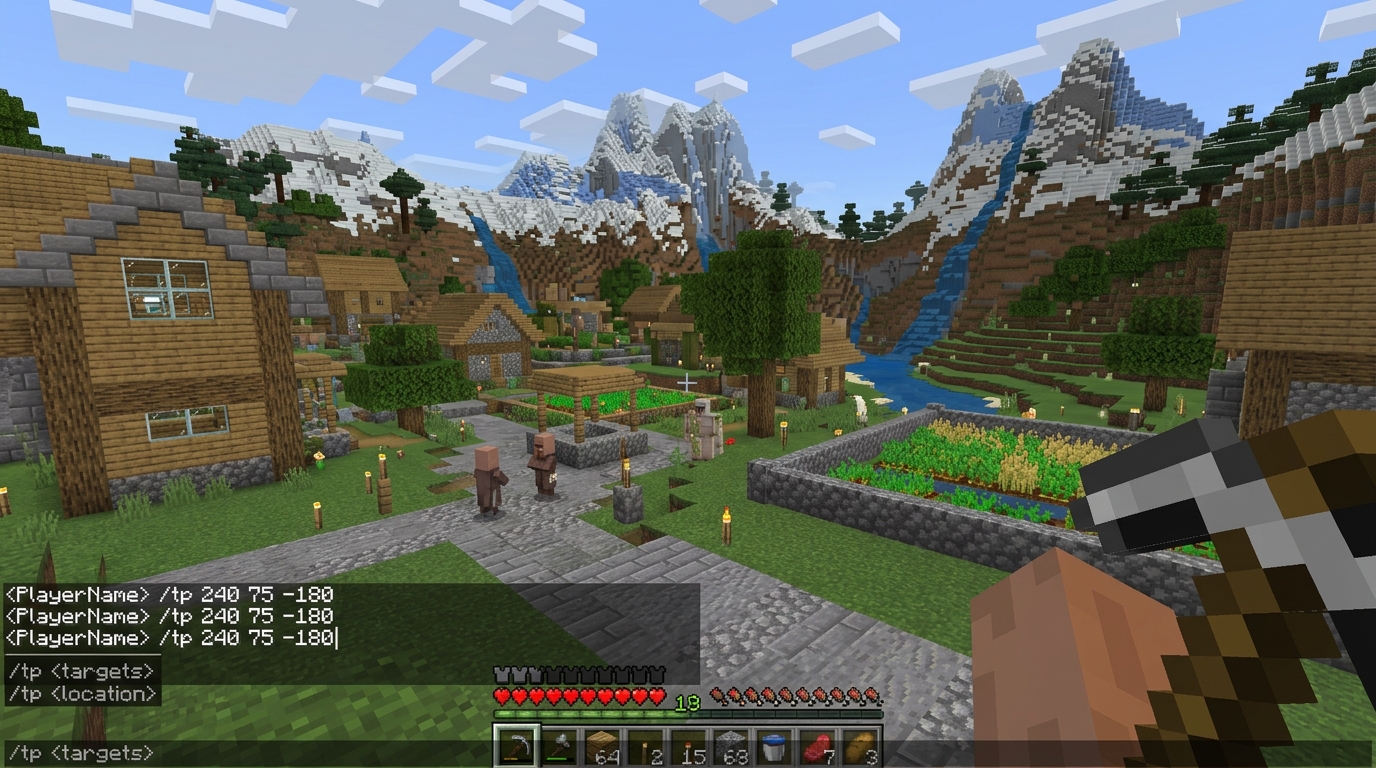
How to teleport to a village or end portal in Minecraft
Reaching a village or an end portal by command means finding it first, since /tp alone can't search the map for you. That's what the /locate command is for, pairing it with /tp gets you there in 2 steps instead of exploring on foot.
Teleporting to a village
Run /locate structure minecraft: village first, which prints the coordinates of the nearest village. Copy those coordinates into a /tp command (/tp <x> <y> <z>) and you're standing in or near it. Exact command syntax for /locate has shifted across Minecraft versions; older versions used /locate Village without the minecraft: namespace, so check your version before typing it in.
Teleporting to an end portal
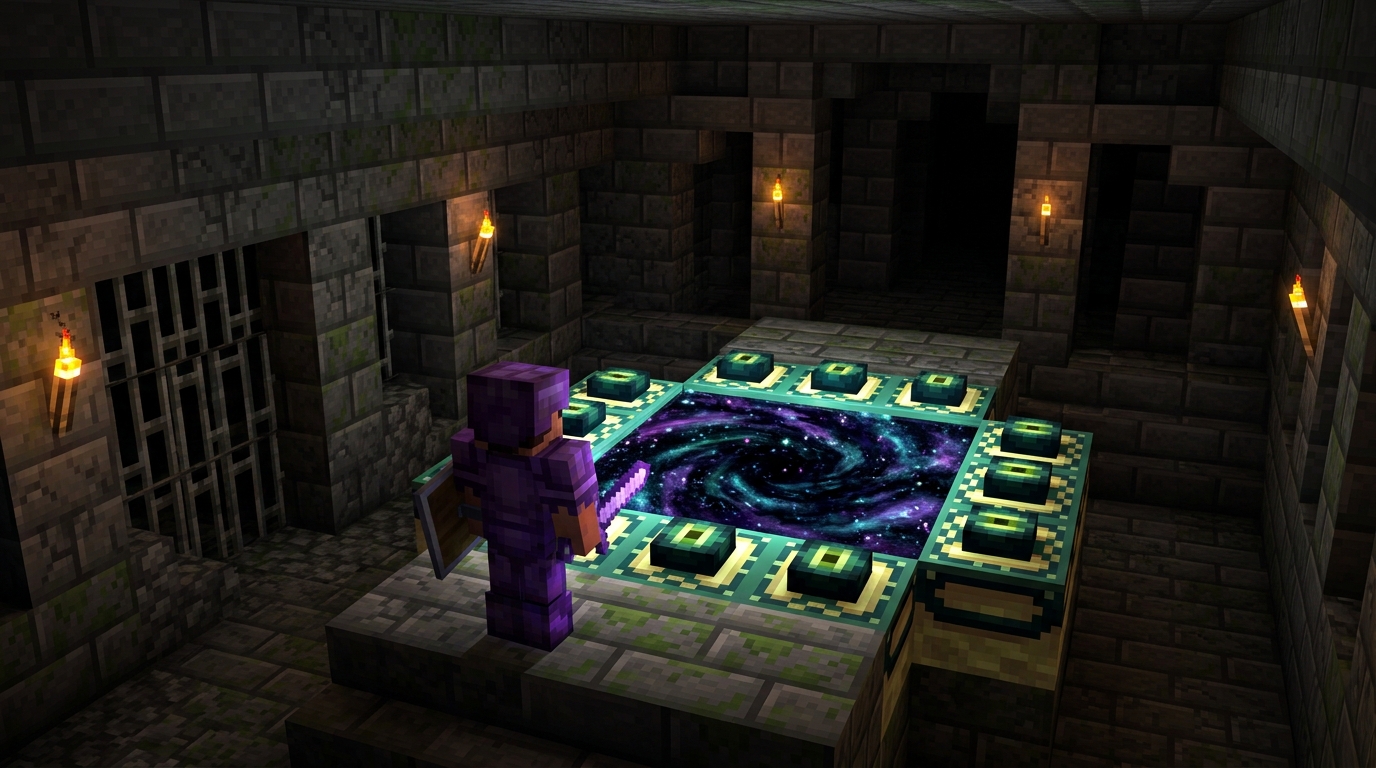
The same pattern works for a stronghold, which is where end portals generate: /locate structure minecraft:stronghold, then /tp to the coordinates it returns. This skips the usual eye of ender throwing process entirely, useful for creative worlds or quick testing rather than a legitimate survival playthrough.
Teleporting in Java, Bedrock, and single-player worlds
Command syntax, targeting, and permission requirements are close but not identical between Java and Bedrock, and single-player behaves differently from a hosted server in both.
| Setting | Cheats needed | Command form | Notes |
|---|---|---|---|
| Java single player | Yes, world setting | /tp or /teleport | Toggle in world creation or the Edit menu |
| Bedrock single player | Yes, world setting | /tp or /teleport | Listed as "Activate Cheats" |
| Java multiplayer server | Yes, operator status | /tp | Needs /op from an admin or console |
| Bedrock multiplayer/Realms | Yes, operator status | /tp | Permission levels set per player |
| Aternos or similar hosted server | Yes, panel setting plus op | /tp | Enable cheats in the control panel, then op your account |
Conclusion
/tp handles almost every teleport situation in Minecraft once cheats are on, whether that's jumping to coordinates, another player, a specific animal, or a different dimension entirely through /execute in. Pairing it with /locate gets you to villages and end portals without exploring blind. Just double-check command syntax against your current version before relying on an exact command, since /locate and /execute have both changed their required arguments across updates.
FAQs
Run /tp <player name> (or /tp <your name> <player name> on some server setups) and you move directly to their current position.
Use /tp <x> <y> <z> with the exact coordinates of where you want to go, or /tp ~ ~10 ~ to move relative to your current position.
Yes, through the /tp or /teleport command once cheats are enabled, no mod required for the basic version.
/tp or the full /teleport; both work identically in Java and Bedrock.
Open chat, type /tp followed by a target and a destination (coordinates or a player name), then hit enter.
If you mean granting someone permission to use it, run /op <player name> on a server you administrate, which gives them access to /tp and other admin commands.
Run /tp <your name> <friend's name> while cheats are enabled and you have permission to use commands.
Type the command into chat starting with /, Minecraft's chat window doubles as the command line for /tp and every other command.
The most common cause is cheats being off, either in your world settings or because you're not opped on a server, check both before assuming the command itself is broken.