
📋 Table of Contents
Is Minecraft Free on iOS?
No. Minecraft costs $6.99 as a one time purchase on the App Store. There is no permanent free version, though Apple occasionally runs short promotional sales where the price drops as low as $1.99.
Once you buy it, the purchase is tied to your Apple ID, so you will not be charged again if you reinstall it later or download it on another device signed into the same account. (Looking for the Android modded version? Check out our Minecraft Mod APK Android Guide).
System Requirements for iOS
Before you install Minecraft on iOS, check that your device meets these requirements:
- iOS 13.0 or later, or iPadOS 13.0 or later
- About 1.1 GB of free storage space
- A stable internet connection for the initial download and for multiplayer
Most iPhones and iPads released in the last several years meet these requirements without issue. If your device is older, check its supported iOS version in Settings before buying the game.
How to Install Minecraft on iOS
Follow these steps to install Minecraft the official way:
- Open the App Store on your iPhone or iPad.
- Tap the search icon and type "Minecraft."
- Select Minecraft, published by Mojang.
- Tap the price button ($6.99) and confirm the purchase with Face ID, Touch ID, or your Apple ID password.
- Wait for the download to finish. It should take a few minutes on a normal Wi-Fi connection.
- Open the app once it finishes installing.
- Sign in with your Microsoft account to unlock multiplayer, cross-play, and Realms.
That's it. No jailbreaking, no third-party tools, and no separate APK or IPA file needed.

Minecraft download for iOS promotional graphic featuring an iPhone App Store screen, download arrow, Minecraft character, and free iOS app message.
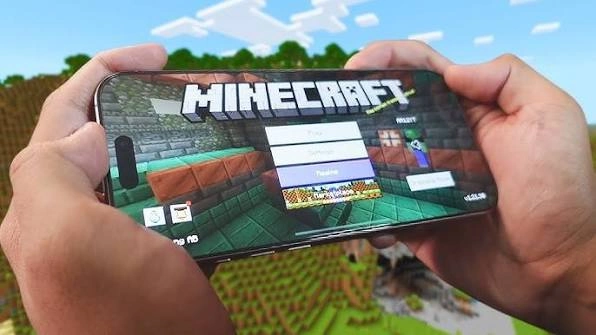
Smartphone displaying Minecraft gameplay with the game's main menu and blocky world in the background.
Features of Minecraft on iOS
Minecraft on iOS runs the full Bedrock version of the game, not a stripped-down mobile spin-off. Here is what you actually get:
Gameplay
Both Survival and Creative modes are included, along with every core mechanic from crafting to combat to redstone. Touch controls are built around a virtual joystick and action buttons, and the game also supports MFi controllers if you prefer physical controls.
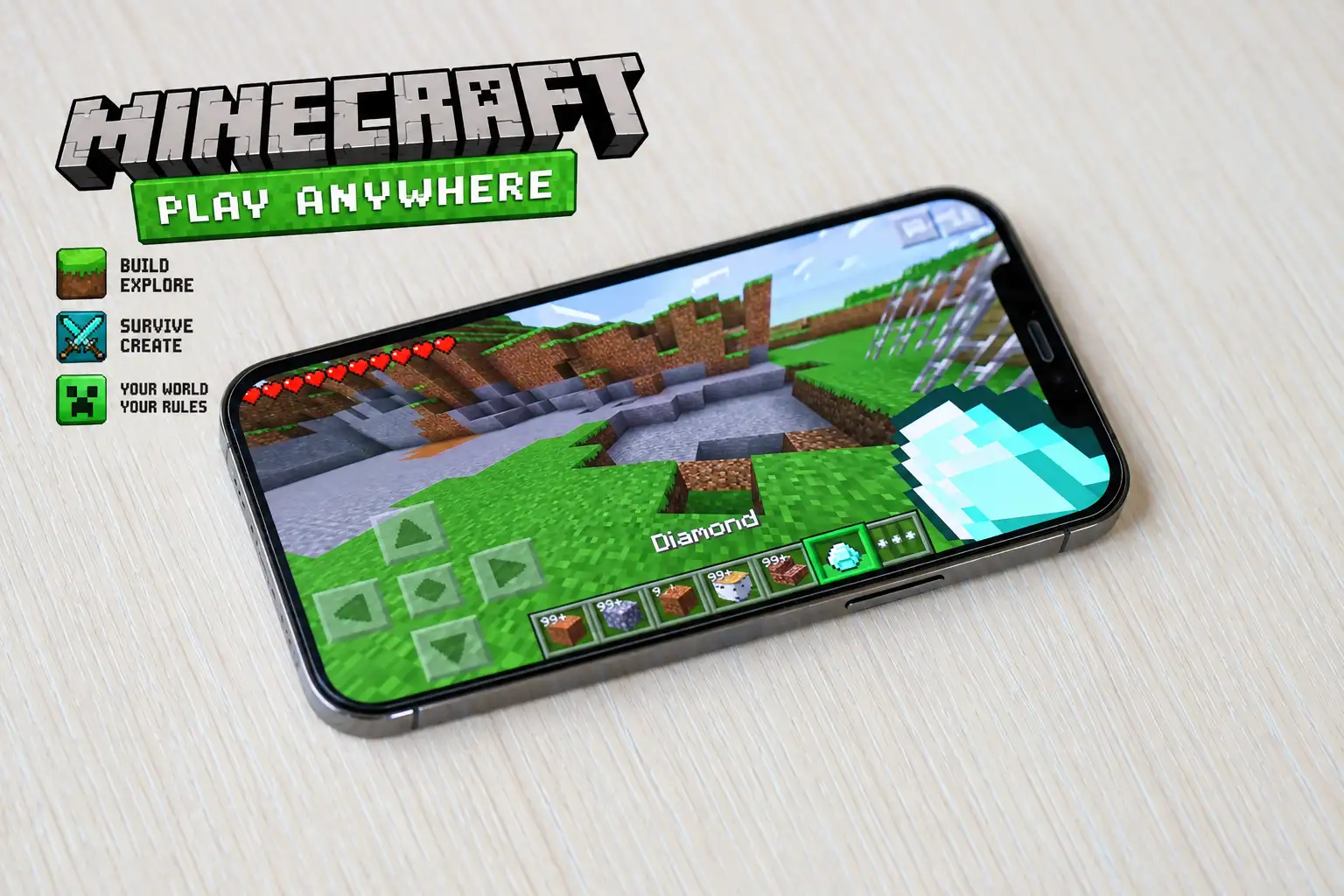
Minecraft gameplay displayed on a smartphone with a diamond sword selected and a green block-world environment.
Cross-Platform Play
Once signed in with a Microsoft account, you can play with friends on Android, Windows, Xbox, PlayStation, and Nintendo Switch, all in the same world. Your worlds also sync across your own devices through the same account.
Customization Through the Marketplace
iOS supports official add-ons, skin packs, texture packs, and pre-built worlds sold through the in-game Marketplace. This replaces traditional mods, which are not supported on any Bedrock platform, including iOS.
Graphics and Performance
Minecraft scales its rendering to the device it's running on, so newer iPhones and iPads with more powerful chips get smoother frame rates and support higher render distances. Older supported devices still run the game, just with lower settings.
Minecraft 1.21 in iOS 18 interface with a cherry blossom biome, Nether portal, pig, and download link prompt.
Realms and Multiplayer Servers
You can subscribe to Realms for a private server that stays online even when you are offline, or join public community servers directly from the main menu.
Pros and Cons of Minecraft on iOS
✅ PROS
- Full cross-play with Android, Windows, Xbox, PlayStation, and Switch
- One-time purchase, no mandatory subscription to play
- Regular content updates that generally follow shortly after Java Edition
- Touch controls are well optimized, and MFi controller support is available
- Cloud sync means your worlds are not locked to a single device
❌ CONS
- Touch controls are less precise than mouse and keyboard or a dedicated controller
- No traditional mod support, only official Marketplace add-ons
- Longer sessions can noticeably drain battery, especially on older devices
- Smaller screens make detailed building and inventory management harder than on a tablet or PC
What to Do If Minecraft Will Not Install or Open
If you run into problems, try these fixes in order:
- Check your storage. Minecraft needs about 1.1 GB free, plus extra space for your worlds and updates.
- Update iOS. Go to Settings, then General, then Software Update, and install any pending update.
- Restart your device. This clears temporary glitches that can block installation.
- Check your Apple ID payment method. A failed purchase is often a billing issue, not an app issue.
- Reinstall from the App Store, not from any third-party website. Only the official App Store version receives updates and works with Microsoft account sign-in.
Why You Should Avoid APK or "Mod APK" Sites for iOS
Some websites claim you can install a Minecraft Mod APK on iOS using tools like Cydia or AltStore. This does not work the way those sites describe. APK is an Android-only file format and cannot run on iOS, regardless of any conversion tool.
Cydia specifically requires a jailbroken device, which removes core iOS security protections and can expose your device to malware, data theft, and instability. There is no legitimate way to "convert" an APK into something Minecraft on iOS will run. If you want extra content, use the official Minecraft Marketplace inside the app instead, which offers add-ons, skin packs, and worlds built for Bedrock devices including iOS.
If you own an Android phone or tablet, you can check our Minecraft Mod APK Android Guide for detailed features and setup steps on Android.
Frequently Asked Questions (FAQ)
Conclusion
Installing Minecraft on iOS takes about 5 minutes through the official App Store, and it is the only method that actually works and stays safe. Skip any site promising a free APK or Mod Apk for iOS, since those do not function and can put your device at risk. Buy it once, sign in with your Microsoft account, and your worlds carry over to every other Bedrock-compatible device you own.